trading
From Research to Production: Deploying a Prediction Model
- trading
- kalshi

From Research to Production: Deploying a Prediction Model
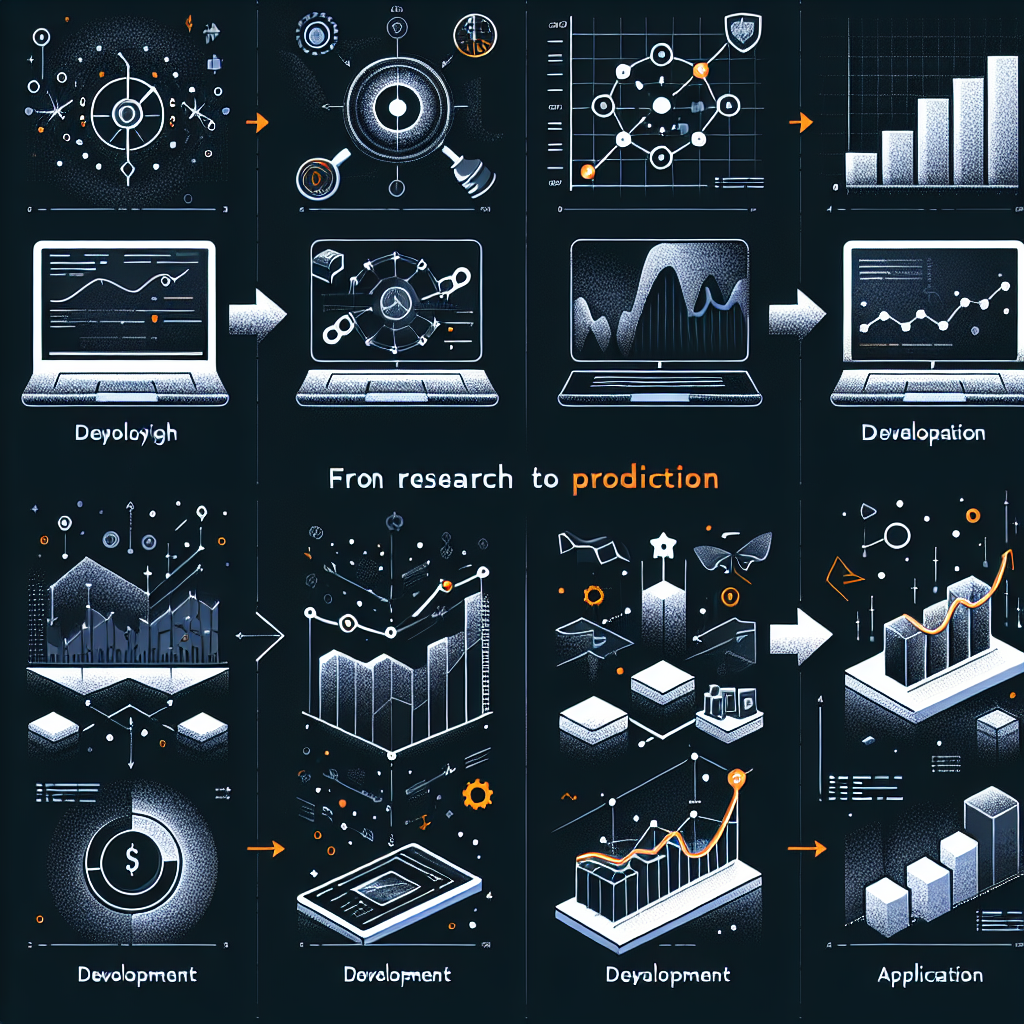
Deploying a prediction model into production is a crucial step for quantitative trading strategies. The ability to move from a research environment to a reliable, scalable, and efficient production setup can significantly affect trading performance. In this article, we will explore the entire lifecycle of model deployment, focusing on best practices and practical examples relevant to quantitative finance and trading.
Understanding the Model Deployment Lifecycle
The Stages of Deployment
Deploying a prediction model typically involves several stages:
- Model Development: This includes data gathering, feature engineering, model selection, and training.
- Validation: Ensure the model performs well on unseen data through techniques such as cross-validation and backtesting.
- Containerization: Package the model and its dependencies to facilitate easy deployment.
- Deployment: Deploy the model to a production environment, enabling it to serve predictions to trading systems.
- Monitoring and Maintenance: Continuously monitor model performance and maintain the system to adapt to changing market conditions.
Example: Developing a Prediction Model
To illustrate the process, let’s consider a scenario where we develop a trading model that predicts stock price movements based on historical price and volume data.
Model Development
In Python, we could use libraries such as pandas for data manipulation, scikit-learn for model building, and statsmodels for statistical analysis. Here’s a simple example of how you might set this up:
import pandas as pd
from sklearn.model_selection import train_test_split
from sklearn.ensemble import RandomForestClassifier
from sklearn.metrics import accuracy_score

# Load historical stock data
data = pd.read_csv('historical_stock_data.csv')

# Feature Engineering
data['Price Change'] = data['Close'].shift(-1) - data['Close']
data['Target'] = (data['Price Change'] > 0).astype(int)

# Define features and target
X = data[['Open', 'High', 'Low', 'Volume']]
y = data['Target']

# Split the data
X_train, X_test, y_train, y_test = train_test_split(X, y, test_size=0.2, random_state=42)

# Model Training
model = RandomForestClassifier()
model.fit(X_train, y_train)

# Model Evaluation
predictions = model.predict(X_test)
accuracy = accuracy_score(y_test, predictions)
print(f'Model Accuracy: {accuracy:.2f}')
In this example, we build a model to predict whether the stock price will go up or down based on past data.
Model Validation
Backtesting
In trading, model validation often involves backtesting, which allows us to simulate trading decisions based on historical data.
def backtest_strategy(data, model):
    data['Predicted'] = model.predict(X)
    data['Market Returns'] = data['Close'].pct_change()

    # Define a simple strategy
    data['Strategy Returns'] = data['Market Returns'] * data['Predicted'].shift(1)

    # Calculate cumulative returns
    data['Cumulative Market Returns'] = (1 + data['Market Returns']).cumprod()
    data['Cumulative Strategy Returns'] = (1 + data['Strategy Returns']).cumprod()

    return data[['Cumulative Market Returns', 'Cumulative Strategy Returns']]
Cross-Validation
Use K-fold cross-validation to ensure your model's performance is robust and not just fitting the training data.
from sklearn.model_selection import cross_val_score

scores = cross_val_score(model, X, y, cv=5)
print(f'Cross-validation scores: {scores}')
Containerization
Using Docker for Deployment
Once validated, we can containerize our model using Docker. This allows for consistent environments between development and production. Here’s a simple Dockerfile to containerize our Python application:
# Use a base Python image
FROM python:3.9-slim

# Set the working directory
WORKDIR /app

# Copy requirements and install them
COPY requirements.txt .
RUN pip install --no-cache-dir -r requirements.txt

# Copy project files
COPY . .

# Set the command to run the application
CMD ["python", "app.py"]
Requirements File
Make sure to include necessary libraries in a requirements.txt file:
pandas
scikit-learn
flask
Deployment
Deploying to a Cloud Service
Once the model is containerized, it can be deployed to cloud services like AWS, Google Cloud, or Azure. Here’s an example using AWS Elastic Beanstalk:
-
Initialize Elastic Beanstalk:
eb init -p docker my-trading-app -
Create an Environment:
eb create my-trading-env -
Deploy the Application:
eb deploy
Using FastAPI for Model Serving
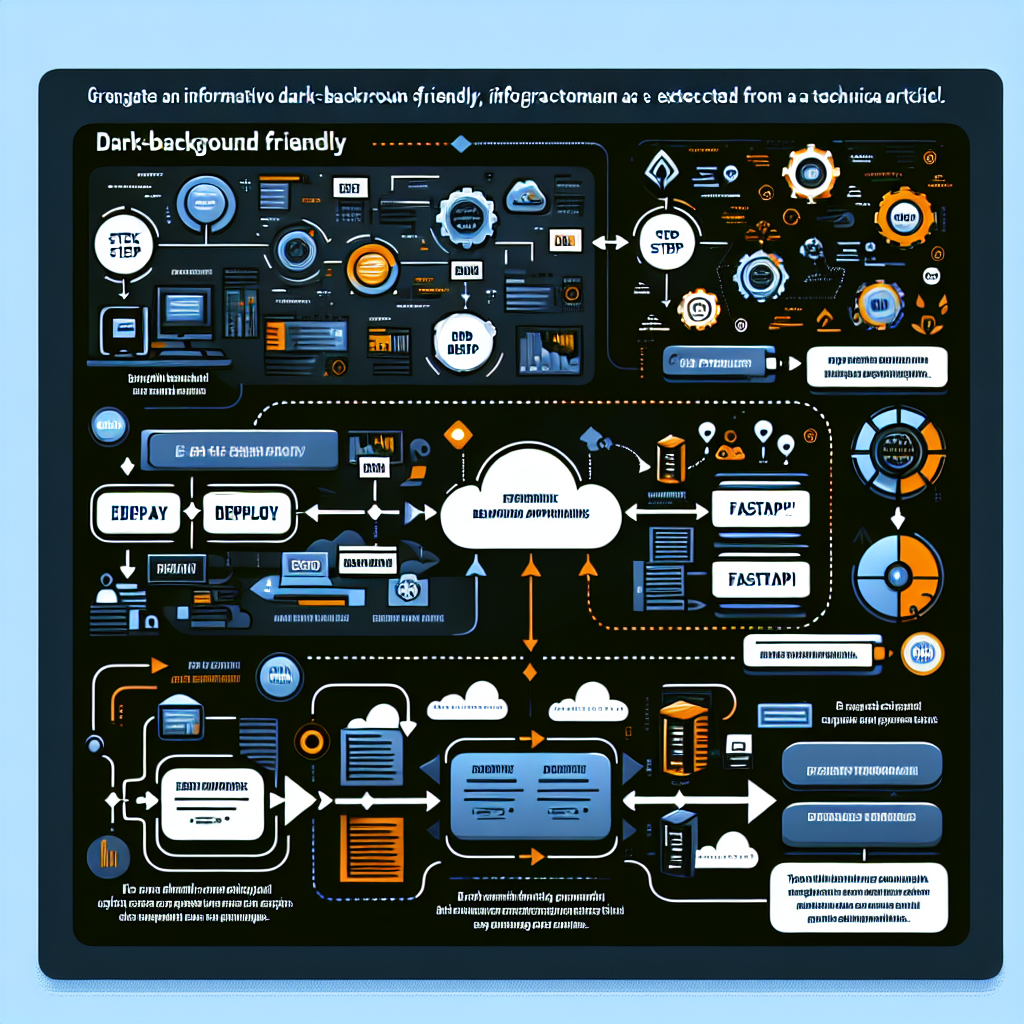
Another popular method for model deployment is using FastAPI, which allows you to create an API endpoint to serve predictions:
from fastapi import FastAPI
import joblib

app = FastAPI()
model = joblib.load('model.pkl')

@app.post('/predict')
async def predict(data: list):
    prediction = model.predict(data)
    return {'prediction': prediction.tolist()}
Monitoring and Maintenance
Real-Time Monitoring
Once the model is deployed, monitoring its performance is vital. Use tools like Grafana or Prometheus to keep track of predictions and model performance in real-time. Set up alerts for performance degradation or unexpected behavior.
Drift Detection
Market dynamics change over time, necessitating the monitoring of “model drift,” where the statistical properties of the input data and/or relationships change. Implement techniques to flag significant shifts and retrain your model accordingly.
Conclusion
Deploying a prediction model from research to production is a multifaceted process that includes developing, validating, containerizing, deploying, and maintaining the model. Each stage requires careful consideration and execution, particularly in high-stakes environments like trading. By following the outlined steps and leveraging tools like Docker, FastAPI, and cloud services, quants and trading builders can effectively transition their models into production, enabling data-driven decision-making in the dynamic financial markets.