trading
Kalshi API and Automation: Placing and Managing Orders Programmatically
- trading
- kalshi

Kalshi API and Automation: Placing and Managing Orders Programmatically

Automating trading strategies is a crucial component for any quant or trading builder. The Kalshi API provides a powerful interface for programmatically placing and managing orders in prediction markets. This article delves into the Kalshi API, highlights its capabilities, and demonstrates how to use it effectively with Python to streamline your trading operations.
Understanding Kalshi and Its API
What is Kalshi?
Kalshi is a regulated exchange that allows users to trade on the outcomes of future events. Unlike traditional financial markets, Kalshi focuses on discrete events, such as elections, weather conditions, or economic data releases. It's designed for those looking to trade on event-driven outcomes, making it a unique venue for traders and quantitative analysts.
The Kalshi API
The Kalshi API offers various endpoints that allow developers to interact with the exchange programmatically. Through the API, you can place orders, check market status, manage your account, and retrieve trading data. Understanding the structure and functionality of the API is essential for automating trading strategies.
Authentication and Setup
Before getting started with trading via the Kalshi API, you need to create an account and generate your API key. Follow the steps below to set up your environment:
-
Sign Up and Generate API Key: Create an account on the Kalshi website and generate your API key from the account settings.
-
Install Required Packages: In your Python environment, ensure you have the
requestslibrary installed for making HTTP requests.pip install requests -
Setup Configuration: Store your API key and base URL in a configuration file or environment variables.
import os

KALSHI_API_KEY = os.getenv("KALSHI_API_KEY")
BASE_URL = "https://api.kalshi.com"
Making Your First API Call
Fetching Market Data
To begin, let's fetch some market data to see the available options. This is a simple API call to retrieve active markets.
import requests

def get_markets():
    url = f"{BASE_URL}/markets"
    headers = {
        "Authorization": f"Bearer {KALSHI_API_KEY}"
    }
    response = requests.get(url, headers=headers)

    if response.status_code == 200:
        markets = response.json()  # .json() will parse JSON response
        return markets
    else:
        raise Exception(f"Error fetching markets: {response.content}")

# Example Usage
markets = get_markets()
for market in markets['data']:
    print(f"Market ID: {market['id']}, Title: {market['title']}, Status: {market['status']}")
In the example above, we fetch the available markets and print out their IDs, titles, and statuses. This base functionality allows you to build more complex interactions coming from your quantitative models.
Placing Orders Programmatically
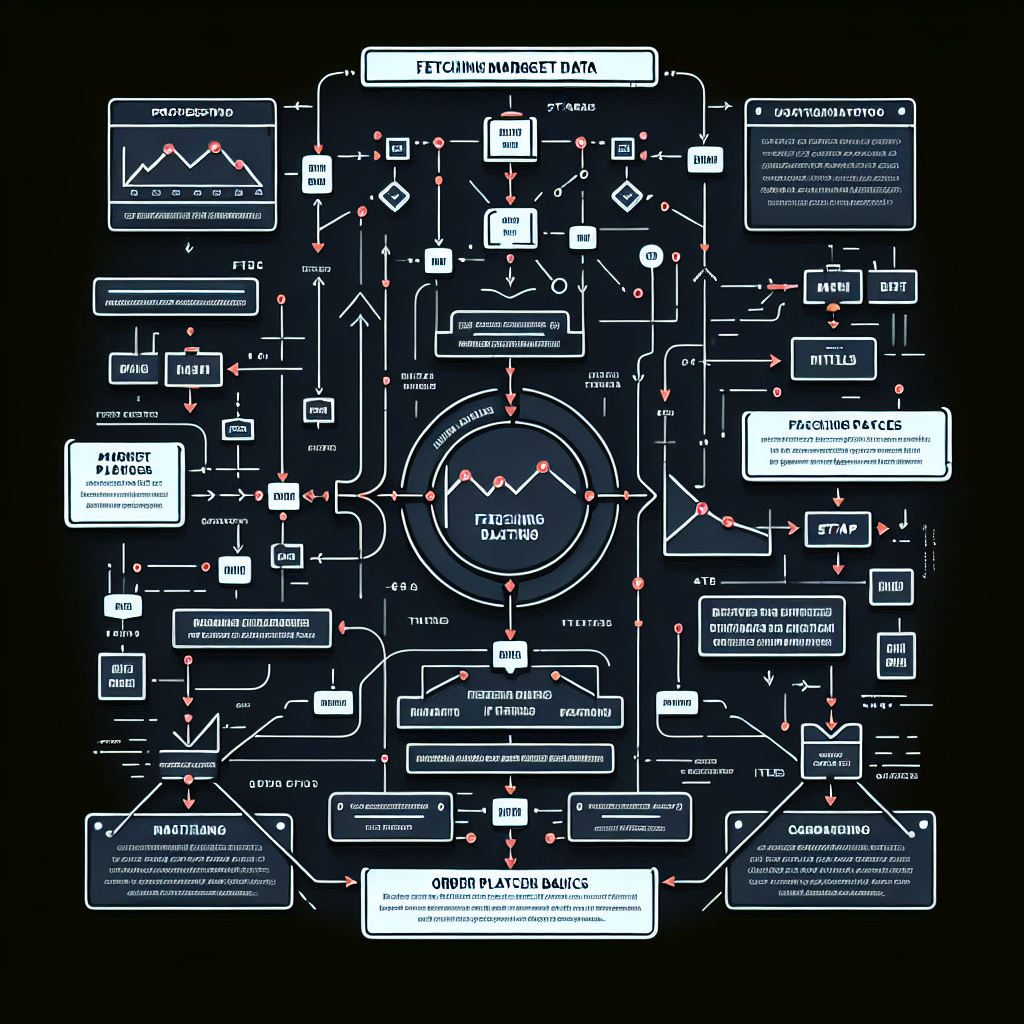
Order Placement Basics
Kalshi's API allows you to place different types of orders, including limit, market, and conditional orders. Here’s how you can place a market order:
def place_order(market_id, quantity, side):
    url = f"{BASE_URL}/orders"
    headers = {
        "Authorization": f"Bearer {KALSHI_API_KEY}",
        "Content-Type": "application/json"
    }
    data = {
        "market_id": market_id,
        "quantity": quantity,
        "side": side,  # "BUY" or "SELL"
        "order_type": "MARKET"
    }
    response = requests.post(url, json=data, headers=headers)

    if response.status_code == 201:
        print("Order placed successfully:", response.json())
    else:
        raise Exception(f"Error placing order: {response.content}")

# Example Usage
try:
    place_order("market_id_example", 10, "BUY")
except Exception as e:
    print(e)
Parameters Explained
market_id: The unique identifier for the market you wish to trade in.quantity: The number of contracts you want to buy or sell.side: Indicates whether you are buying or selling.
Make sure to confirm your market ID from the earlier market data fetch.
Managing Orders
After placing orders, managing them effectively is crucial. You may want to fetch your active orders, cancel an order, or even modify it. Here’s how:
Fetching Active Orders
def get_active_orders():
    url = f"{BASE_URL}/orders"
    headers = {
        "Authorization": f"Bearer {KALSHI_API_KEY}"
    }
    response = requests.get(url, headers=headers)

    if response.status_code == 200:
        orders = response.json()
        return orders
    else:
        raise Exception(f"Error fetching orders: {response.content}")

# Example Usage
try:
    active_orders = get_active_orders()
    for order in active_orders['data']:
        print(f"Order ID: {order['id']}, Market ID: {order['market_id']}, Status: {order['status']}")
except Exception as e:
    print(e)
Canceling an Order
To cancel an existing order, you can make a DELETE request to the /orders/{id} endpoint:
def cancel_order(order_id):
    url = f"{BASE_URL}/orders/{order_id}"
    headers = {
        "Authorization": f"Bearer {KALSHI_API_KEY}"
    }
    response = requests.delete(url, headers=headers)

    if response.status_code == 204:
        print("Order canceled successfully.")
    else:
        raise Exception(f"Error canceling order: {response.content}")

# Example Usage
try:
    cancel_order("order_id_example")
except Exception as e:
    print(e)
Automating Trading Workflows
Integrating the above examples allows for the creation of automated trading systems. This can be beneficial if you apply data analytics and market structure modeling to guide your trading strategy. Here’s a simple example of how you could structure your trading logic.
Combining Data Analysis and Order Placement
def simple_trading_strategy(market_id):
    markets = get_markets()  # Fetch markets to analyze
    # A hypothetical analysis: if an event is highly probable, buy contracts
    for market in markets['data']:
        if market['title'] == "Presidential Election 2024" and market['probability'] > 0.7:
            place_order(market_id, 10, "BUY")  # Buy 10 contracts if probability is high

# Example Usage
simple_trading_strategy("your_market_id_here")
This is a rudimentary example, but real strategies would involve more sophisticated analysis, like using machine learning models to predict outcomes based on historical data.
Conclusion
The Kalshi API offers a robust framework for implementing automated trading strategies in prediction markets. By leveraging Python, you can seamlessly integrate data workflows, continuously adapt your strategies, and manage orders with precision. As you build more complex systems, consider incorporating advanced statistical models or machine learning techniques to optimize trade decisions based on real-time data. With the right setup, programmatic trading can greatly enhance your ability to capitalize on market opportunities in prediction markets.